

54-hour backup battery
Metal Exterior
Travel-Ready Design
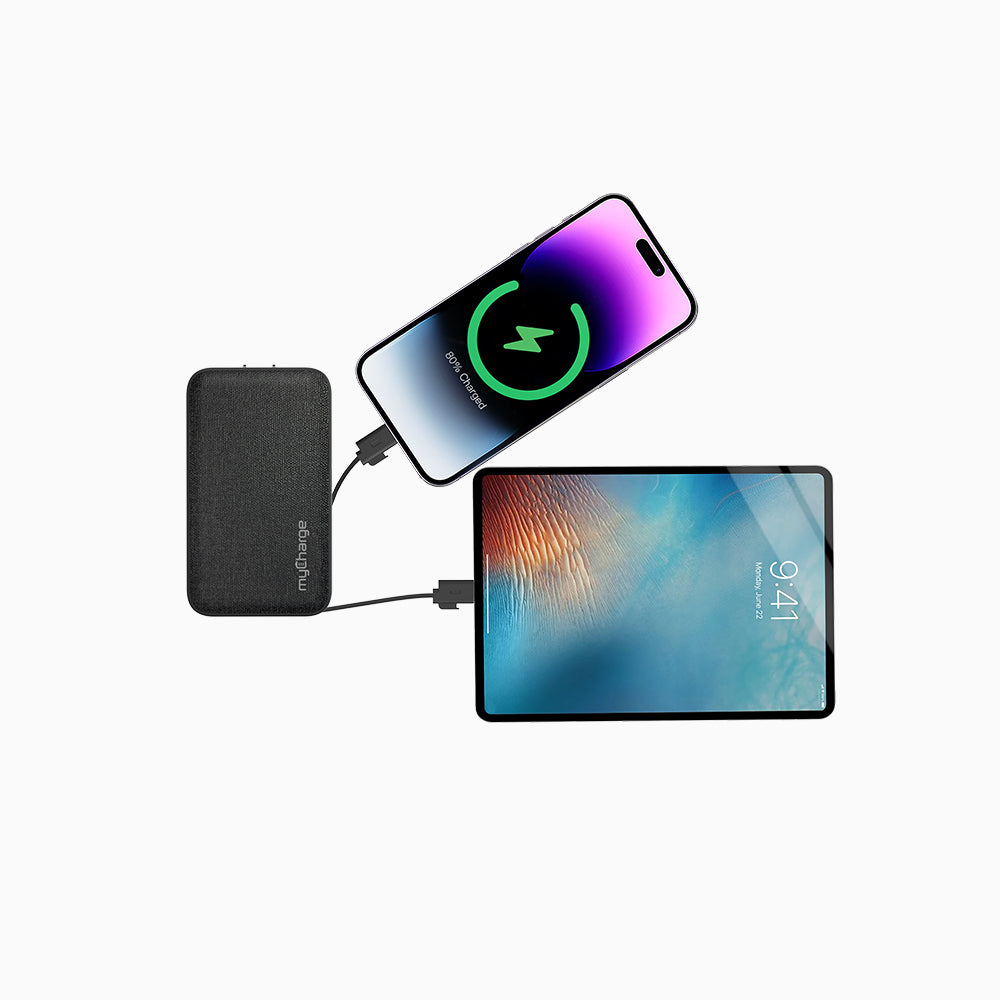
Multi-Device Charging
Eco-Friendly


 37+ sold in the last 24 hours


Pairs well with


Kelly L.
 Verified Buyer
Amazing

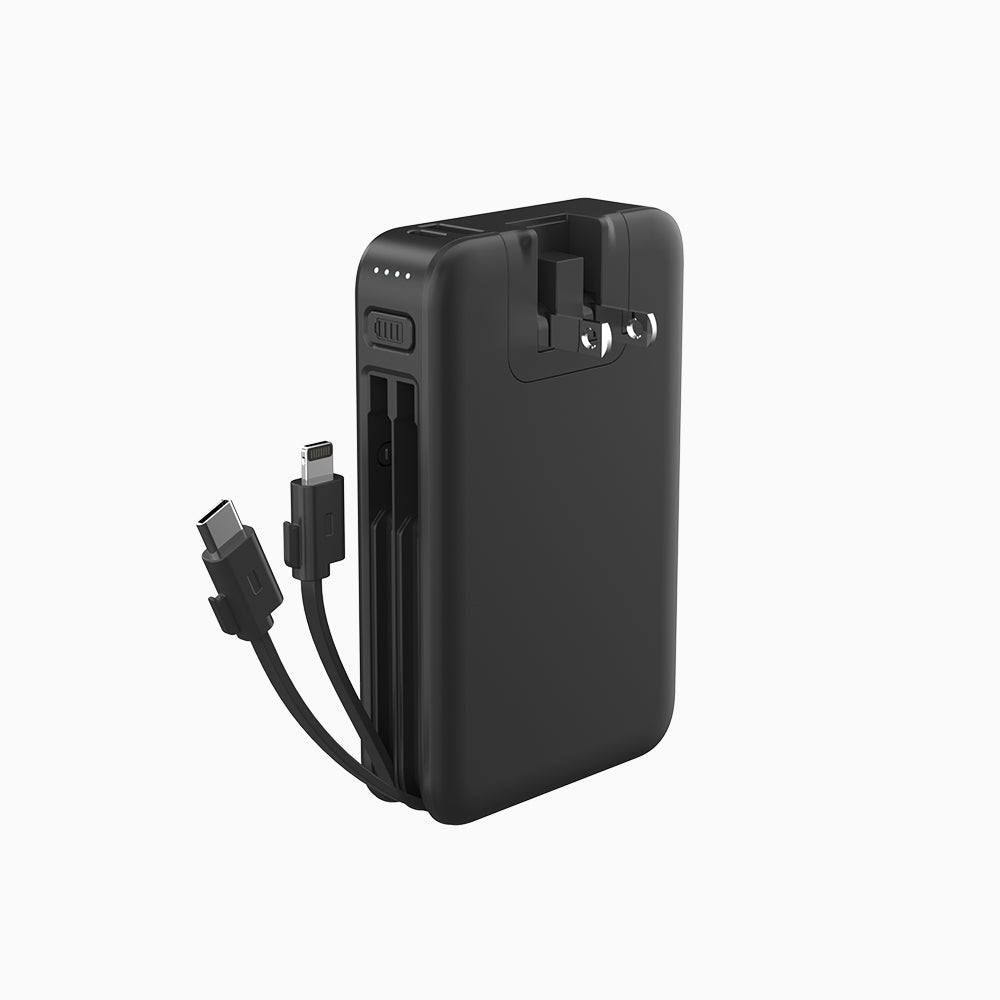
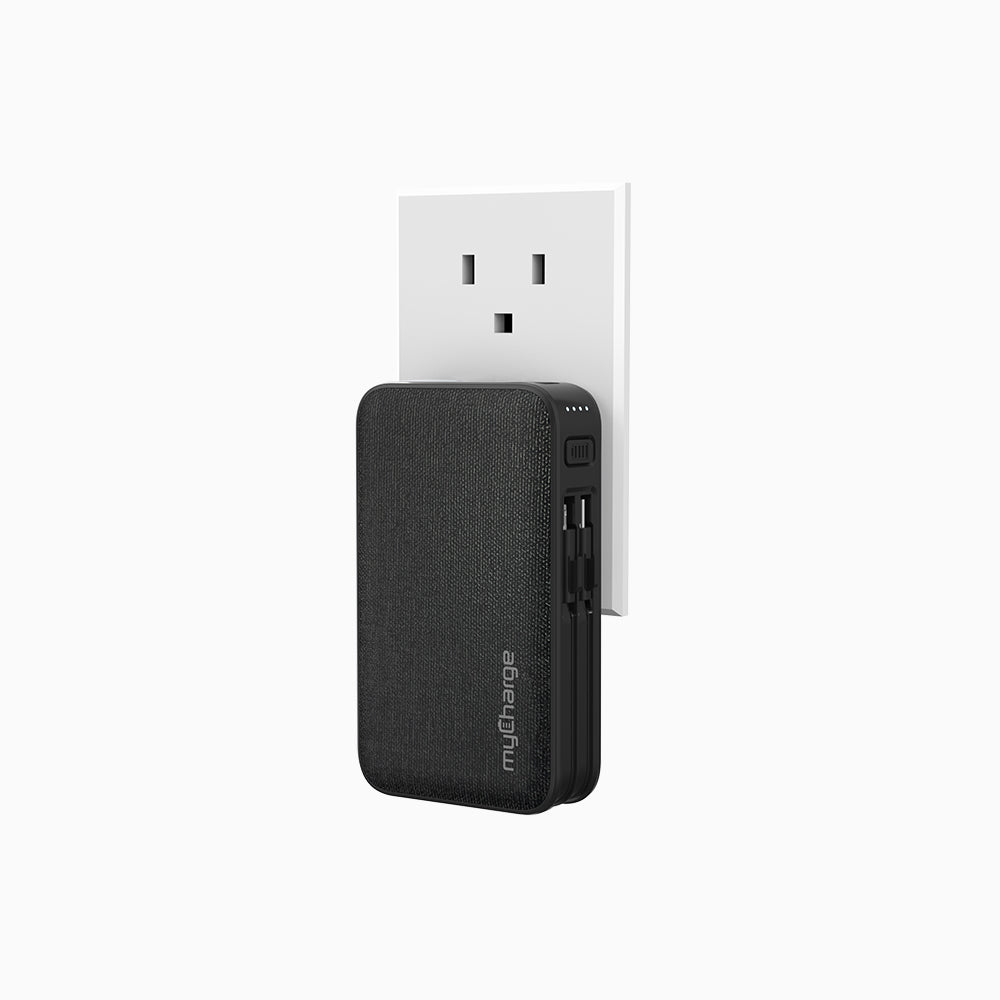
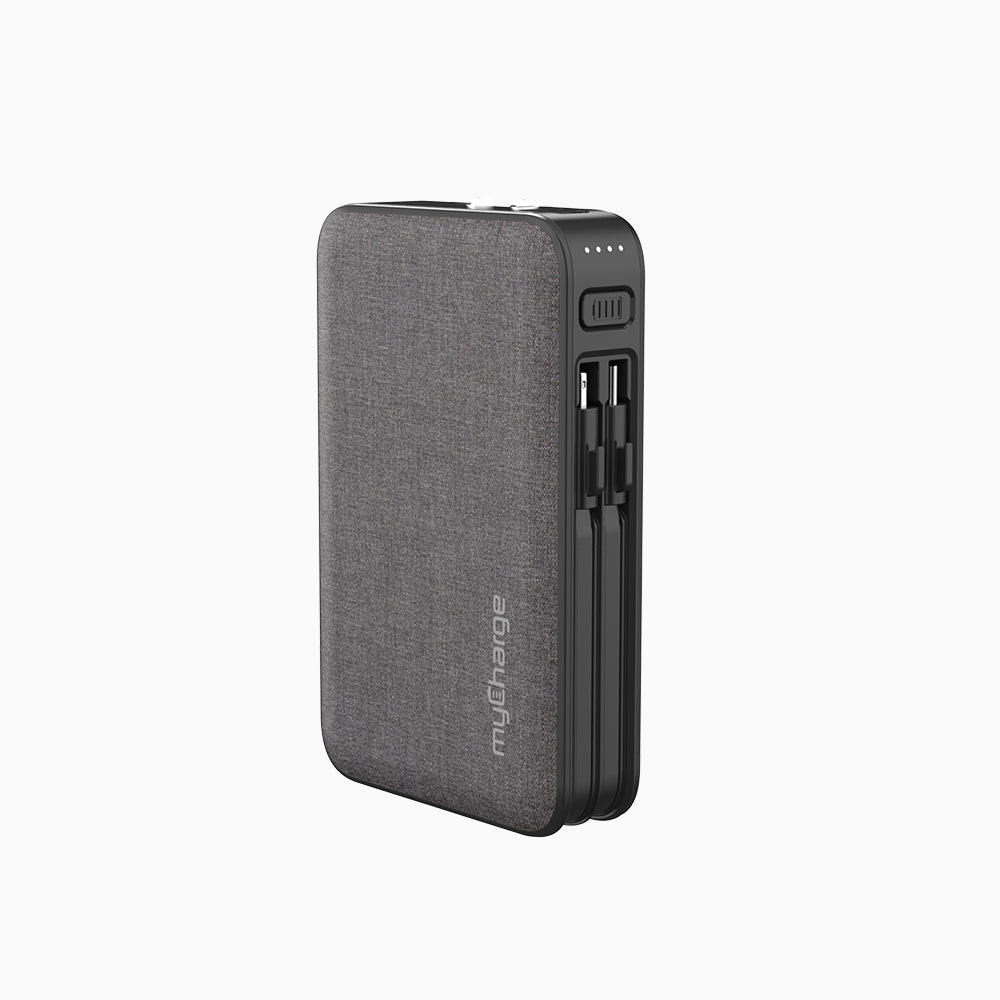
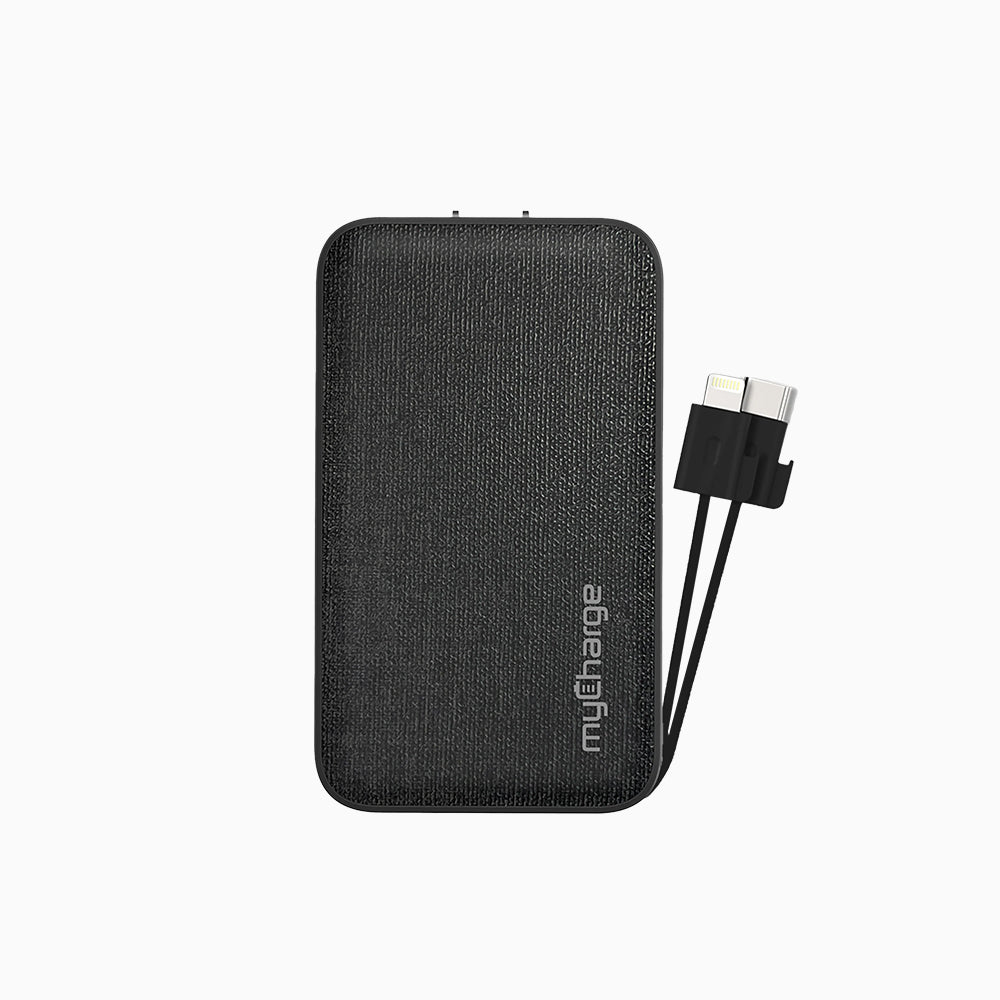
"This all-in-one portable charger features built-in iPhone and USB-C cables, a wall plug for easy recharging, and true 18W fast charging for both Apple and Android devices. With a 10,050mAh battery, it's compact, powerful, and perfect for travel or daily use."
54-hour backup battery
Metal Exterior
Travel-Ready Design
Multi-Device Charging
Eco-Friendly
Each year, 10’s of millions of charging cables and power supplies are thrown into the garbage; thus, the reason why retailers ranging from gas stations to airport stores are able to resell the same accessories over and over.
Most of the models that we develop at myCharge have built-in accessories which eliminates needly e-waste. Eco is in the product’s very DNA. Walking the walk, not just talking the talk.
At myCharge we’ve eliminated all plastics from our packaging – down to the hangtag and sealing label.
One (1) Year Limited Warranty against defects in electronics or material. Learn more

We want you to power up with complete confidence. That’s why every MyCharge product comes with a 30-day money back guarantee. If you’re not 100% satisfied with your purchase, simply return it within 30 days for a full refund — no questions asked.
Your satisfaction is our priority. Try it, test it, travel with it — and if it’s not the perfect fit, we’ve got you covered.


From Daily Commuters to World Travelers, myCharge Keeps You Powered Up.Real stories from customers who trust myCharge to keep their phones, tablets, and gear charged—anytime, anywhere.”
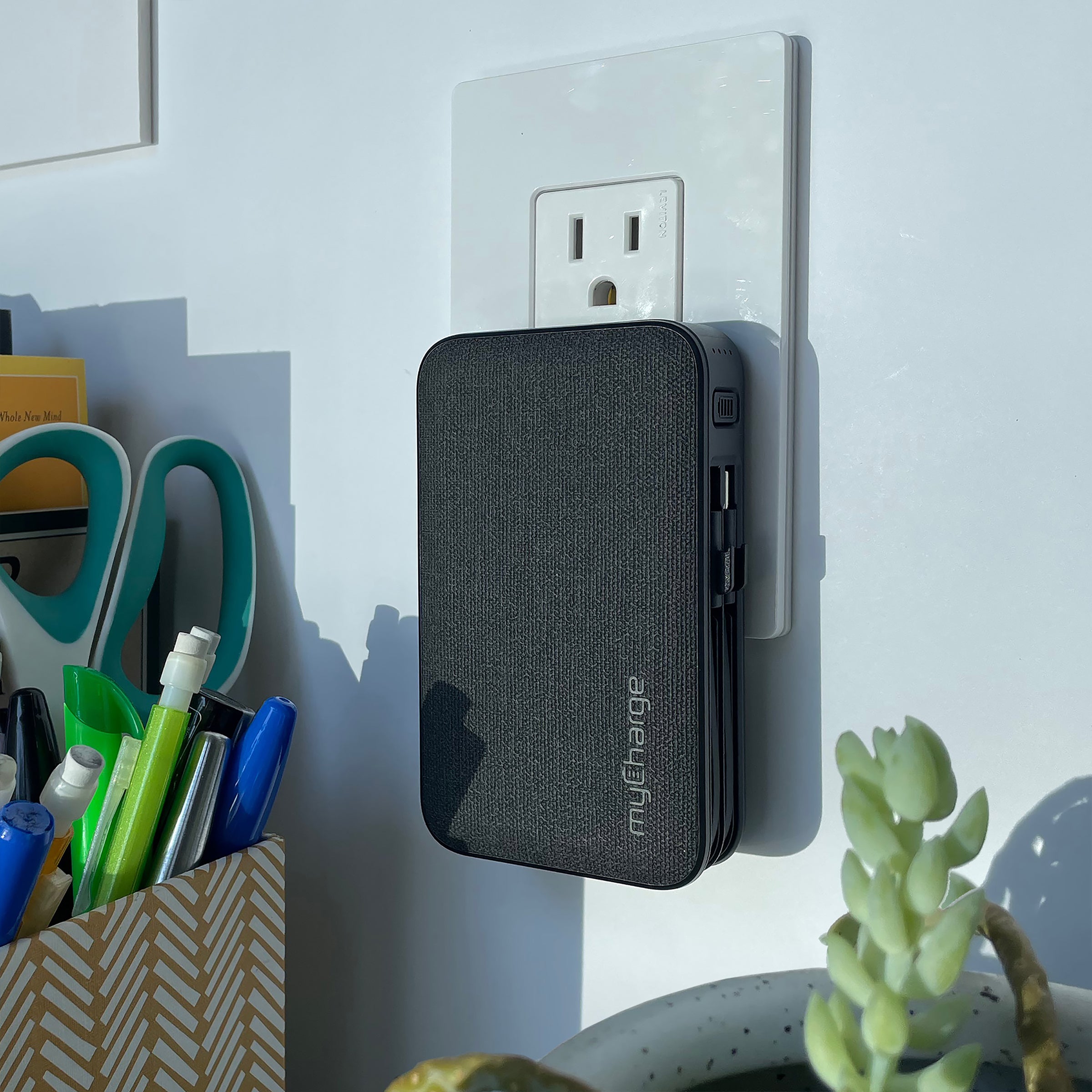
The myChargePowerHub keeps you charged on the go with built-in cables, premium construction, and all-day battery life—no extra gear needed.

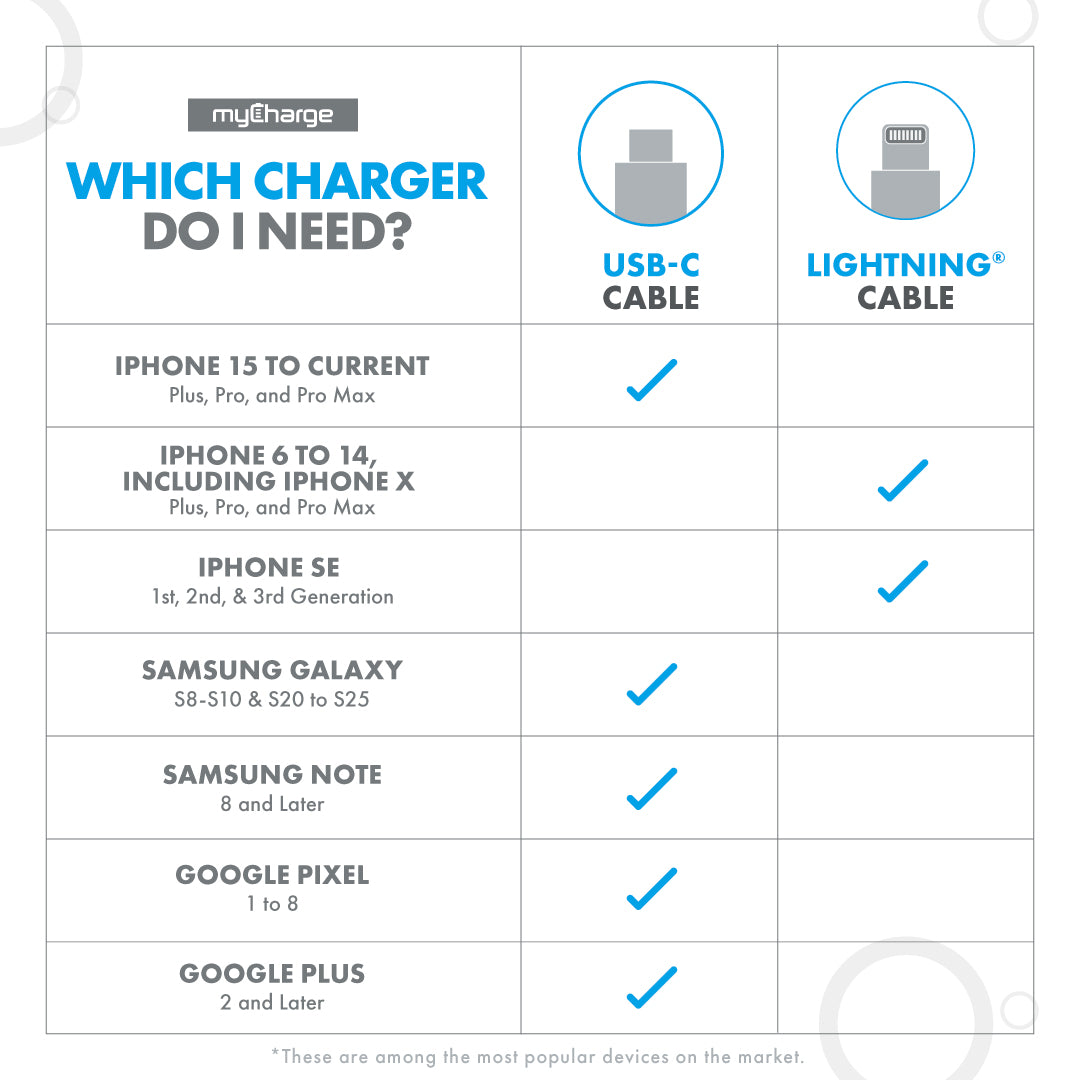
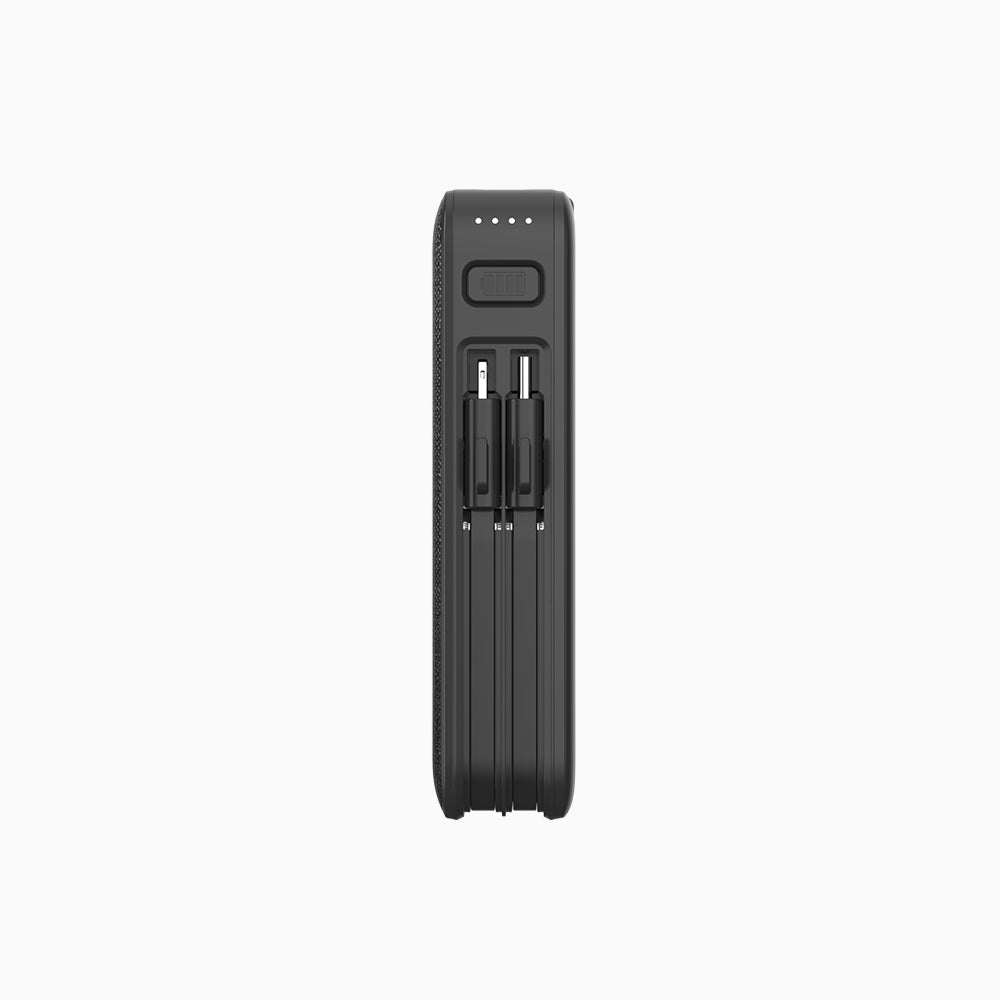
Built-In USB-C & Lightning Cables
Charge instantly with the most common cables already attached.

Extra USB-A Port
Power a third device—phones, earbuds, cameras, and more.

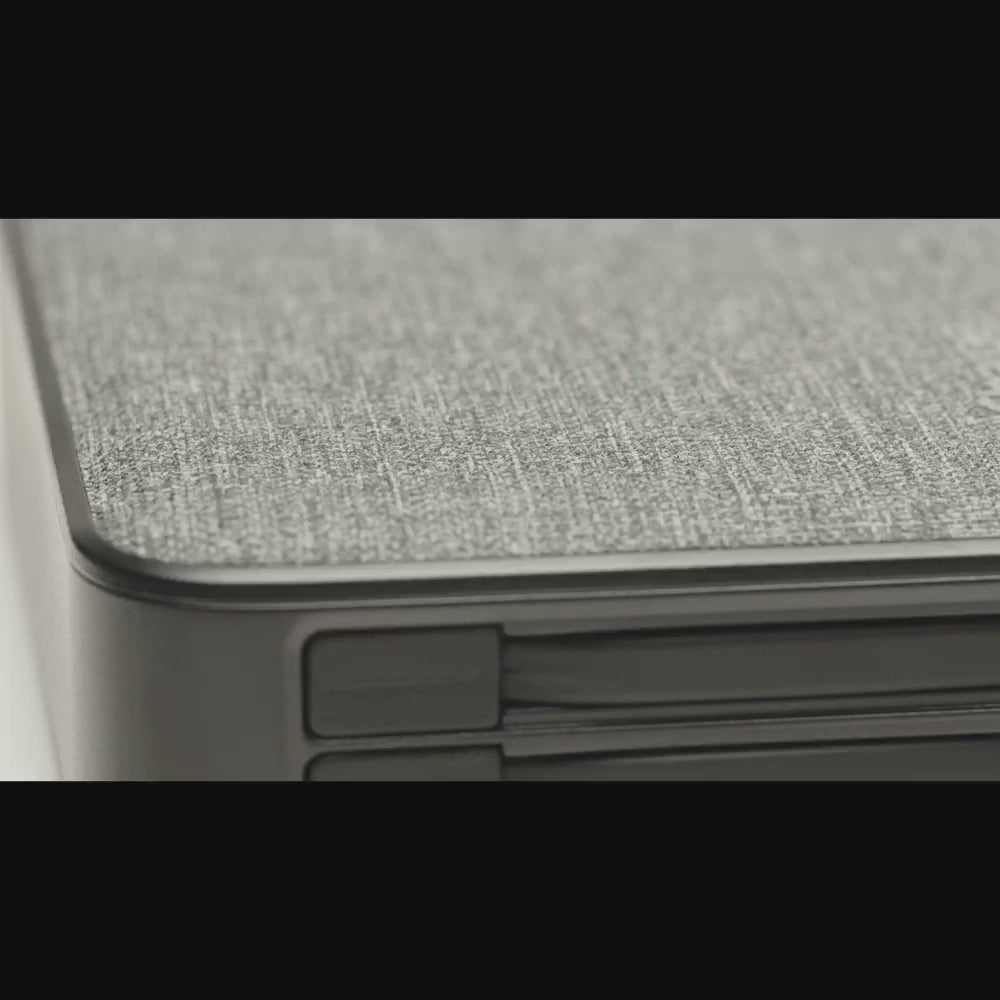
Rugged Metal Exterior
Premium, durable design built to handle years of daily use.

Upto 54 Hours of Power
Stay connected through travel, long days, and emergencies.
MyCharge packs in every must-have feature, then takes it further with premium upgrades.
Ultra-FastPD
Fast
Standard
USB-C+ Lightning + USB-A
1Cable
None
54 Hours
40 Hours
36 Hours
Metal Exterior
Plastic
Plastic
30-DayMoney-Back
18 mo
24 mo

You can charge your powerbank at any battery level. You don’t have to wait until your powerbank is empty to recharge. If you plan on not using your powerbank for several months, we recommend charging your powerbank to at least 50% before stowing it.
Charge time varies depending on both the powerbank and input source (wall outlet, computer port or car adaptor). The average powerbank charges in 3-6 hours.
Yes, smart circuitry inside the powerbank controls the charging of the battery. Once the battery is fully charged, it stops charging. If the smart circuitry fails, there is an independent integrated circuit that will automatically stop charging the battery once it’s fully charged.
When your device is fully charged or disconnected from the powerbank, the output will automatically turn off to conserve power.
First, recharge your myCharge until at least 1 or more of the LEDs is solid. Then connect your myCharge to your phone or tablet. Next, press (shake for the Razor & Energy Shot) the power button to initiate charging. If charging does not start automatically, make sure the charging cable is properly connected to both the myCharge and device. If all LEDs blink for 10 seconds, the device is pulling more power than the myCharge can give and you need a myCharge with a higher (2.0A) output. For more detailed instructions visit the common questions page that is specific to your model.
Our powerbanks are rechargeable from empty to full at least 500 times.
Yes, myCharge devices with wall prongs are compatible with input voltage ratings: 100-240VAC, 50/60Hz and Plug Type A. A plug adaptor is required for countries/territories that use plug types that aren’t compatible with Type A. The input voltage rating range is compatible with every country/territory in the world. Fortunately, micro-USB input devices are compatible with any USB port.
Currently, we ship to the entire United States. Our friends in Hawaii and Alaska may experience slightly longer delivery times.
At this time, we don’t ship internationally, but we hope to in the future!
To find a facility near you that recycles batteries, visit http://www.call2recycle.org/Please note: Do not attempt to remove the battery from the product.
